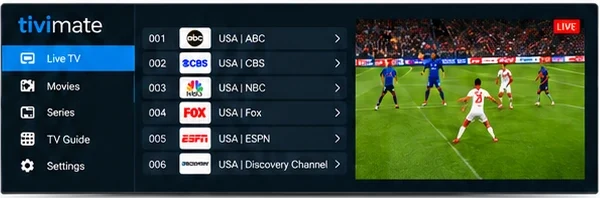
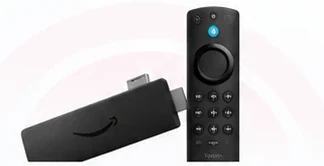
Fire TV & Firestick Setup Guide
Follow these simple steps to install and set up TiviMate on your Amazon Fire TV Stick using the Downloader code 272483 and login with your Xtream Codes.
-
Step 1: Enable Apps from Unknown Sources
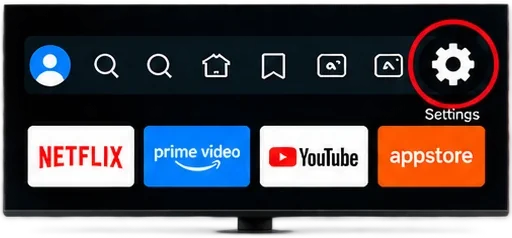
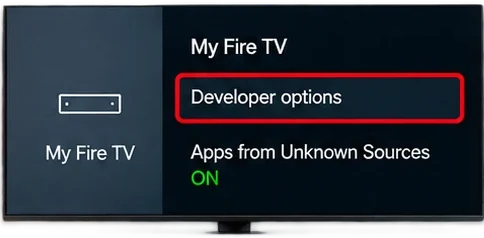
From your Fire TV home screen, go to Settings > My Fire TV > Developer options and turn on Apps from Unknown Sources.
-
Step 2: Open Downloader
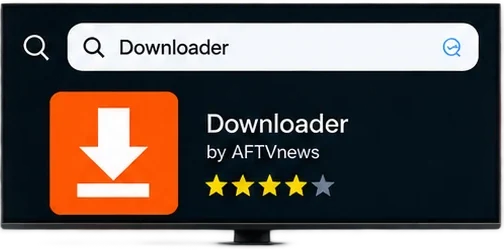
Go to the search icon, type Downloader and open the Downloader app.
-
Step 3: Install TiviMate
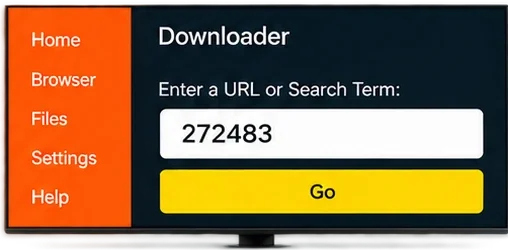
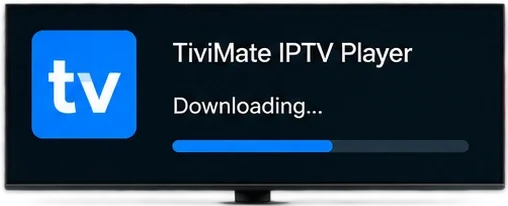
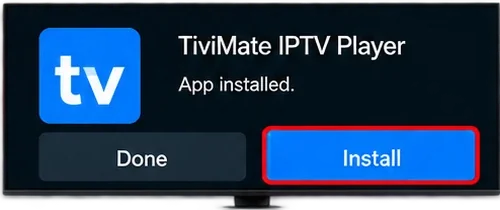
In Downloader, enter the code 272483 and click Go. Wait for the download to finish, then click Install.
-
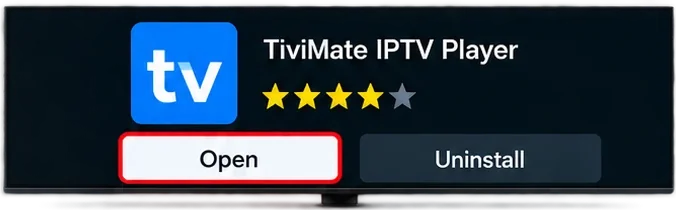
Step 4: Open TiviMate
After installation, click Open to launch the TiviMate app.
-
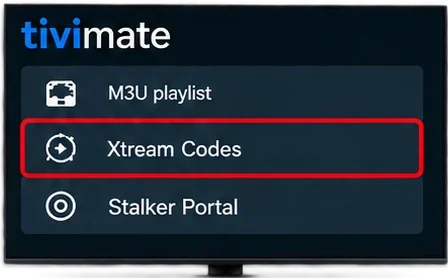
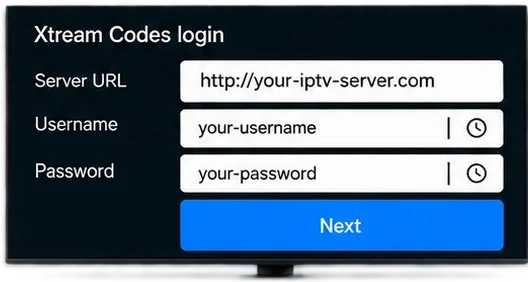
Step 5: Login with Xtream Codes
On the TiviMate welcome screen, choose Xtream Codes and enter your subscription details.
-
Step 6: Start Watching
Your playlist will load and you can now use TiviMate to watch your available live TV, movies and series.