Android TV Setup Guide
Follow these simple steps to install Ib Player on your Android TV and activate the app to start watching your IPTV channels, movies and series.
-
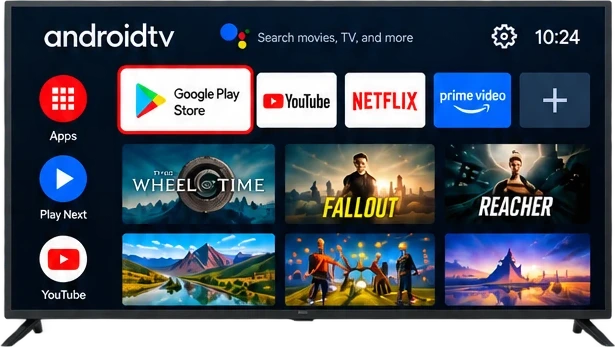
Step 1: Open Google Play Store
From your Android TV home screen, open the Google Play Store.
-
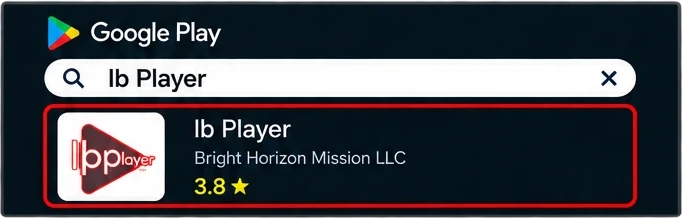
Step 2: Search for Ib Player
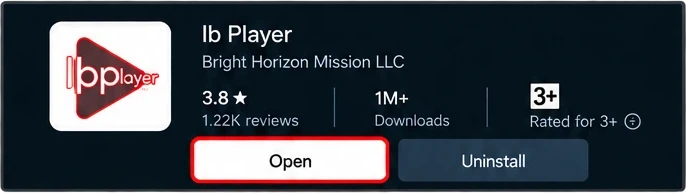
In Google Play, use the search bar and type “Ib Player”. Select the app by Bright Horizon Mission LLC.
-
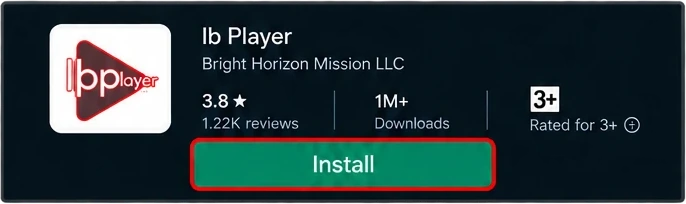
Step 3: Install Ib Player
Click on Ib Player and press Install. Wait for the download and installation to finish.
-
Step 4: Open Ib Player
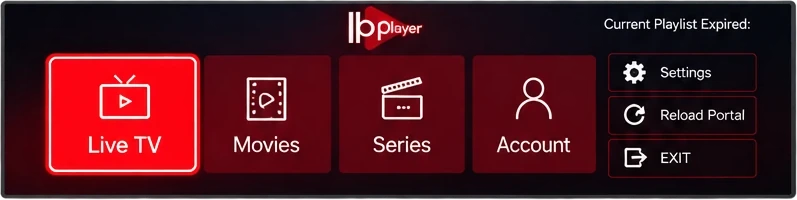
After installation, click Open. The app shows your MAC Address and Device Key on the first screen, so note them down.
-
Step 5: Activate Your Device
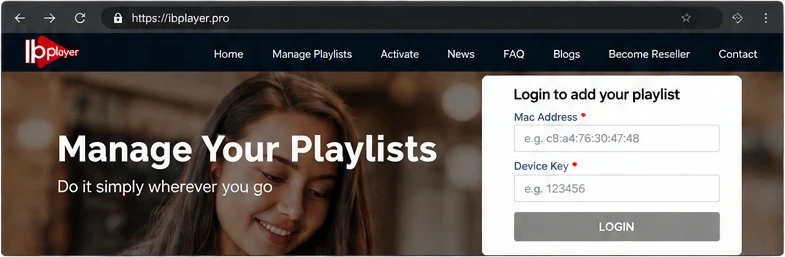
On your phone or computer, go to https://ibplayer.pro, enter your MAC Address and Device Key, and add your playlist.
-
Step 6: Start Watching
Restart Ib Player on your Android TV. Your live TV channels, movies and series will now be available.